Setting up Apple HomeView is surprisingly simple with an iPhone
Apple HomeView is configured via an iPhone or iPad: simply bring the device close to the powered-on display and follow the prompts. Personal data appears after facial recognition and when a paired device is nearby.
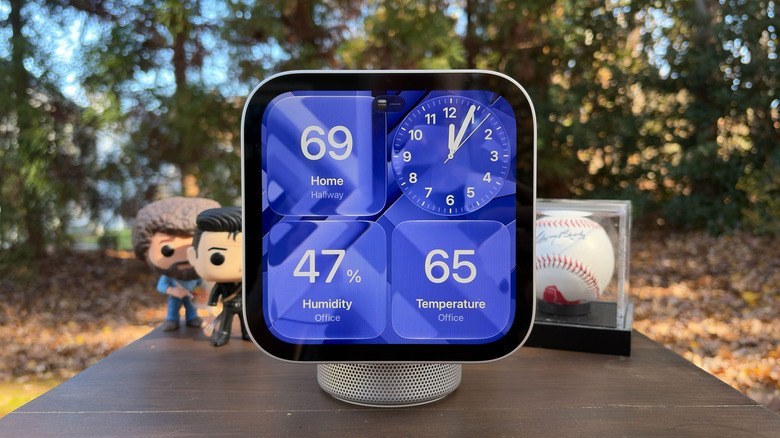
To connect, you need an iPhone with iOS 27.2 or an iPad with iPadOS 27.2. After turning on HomeView, bring the unlocked device close to the display. If the setup card does not appear, the process can be initiated in the Home app by selecting or creating a home where the user is listed as Resident (Owner). Bluetooth and Wi-Fi must also be enabled, and the current device must be selected as the location in Find My.
During pairing, the phone or tablet’s camera reads an animation from the HomeView screen. This can be replaced by manually entering a four-digit code. Next, select the home and room, and after a potential device update, decide whether to sync Wi-Fi and Siri settings and allow the display of personal content.
HomeView does not run its own apps but displays compatible programs from an iPhone or iPad, including Calendar, Messages, Reminders, and Weather. Messages and other personal data are shown only after identity confirmation and when a paired device is nearby. Finally, voice and facial recognition are configured. One HomeView supports up to six users: the owner adds them via Home and sends an invitation to their Apple/iCloud account. After accepting the invitation, the new user brings their iPhone or iPad close to the display and completes their own setup.