Microsoft tests remote locking of corporate Windows computers while preserving files
Microsoft has begun testing the Remote Lock feature, which allows administrators to lock a lost or stolen computer via Intune while preserving data on the device.
The feature has appeared in Windows 11 preview builds for the Beta and Experimental channels. It is designed for organization-managed devices with Enterprise, Education, and Pro editions, connected to Microsoft Entra or registered in a device management system.
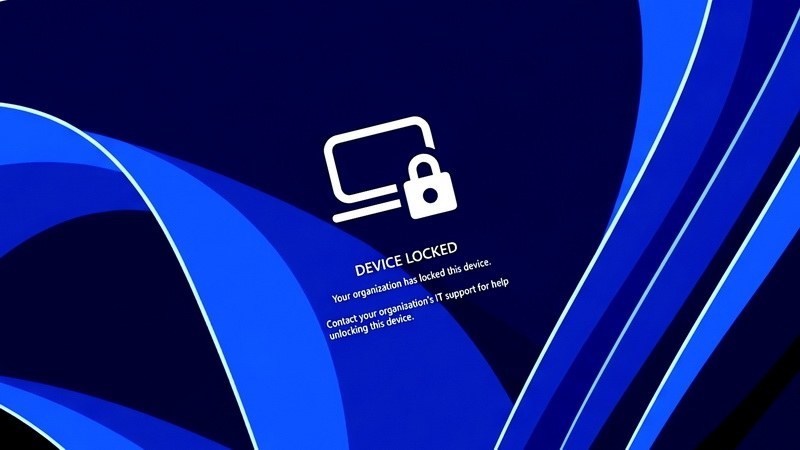
After receiving the command, Windows terminates active sessions and hides login methods. Unlocking with a password, PIN, or via a local administrator account becomes unavailable. An administrator can remove the lock via Intune. Meanwhile, the user account will continue to function on other devices.
The command is applied the next time the computer connects to the management server. Once activated, the lock persists through reboots and without an internet connection. The administrator can also display the reason for the restriction and technical support contacts on the screen.
Files remain on the disk, and the device retains its connection to the management system. Remote Lock also preserves access to the Windows recovery environment, safe mode, and booting from external media. To protect data if the disk is removed, Microsoft recommends using BitLocker encryption.